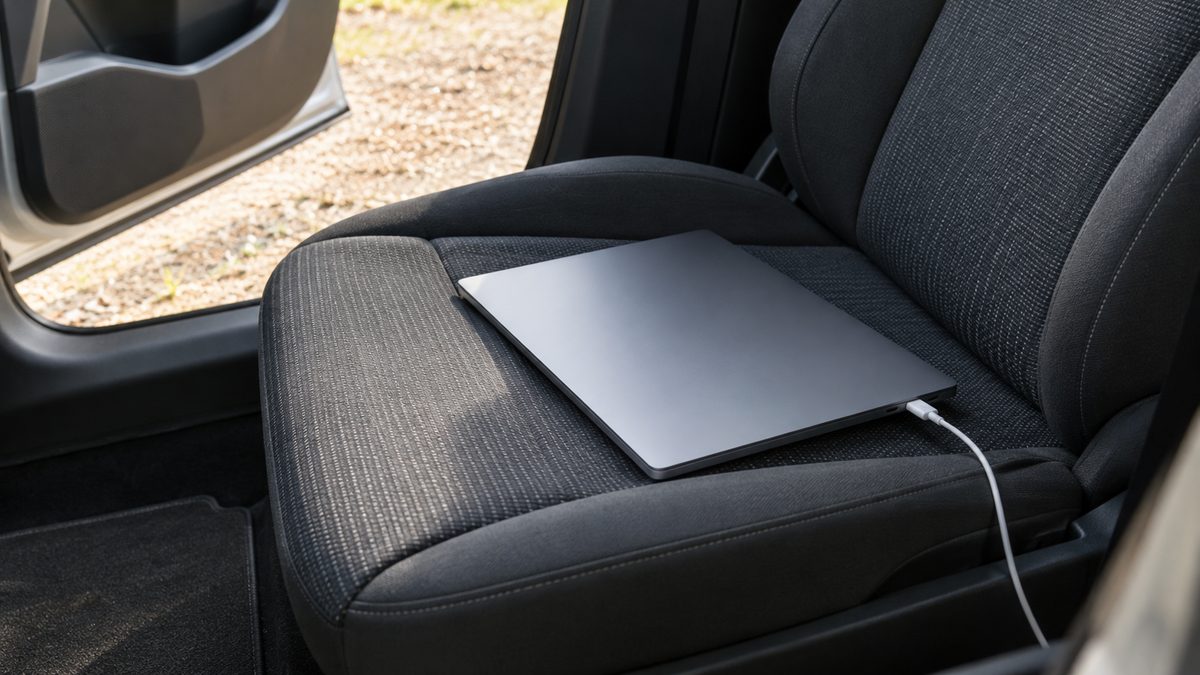
Long drives, road trips and work-from-anywhere days all raise the same question: how do you keep a laptop alive when there is no wall socket for hundreds of kilometres? The usual answer is a car inverter, but only if you pick the right type and size and use it with the battery in mind. This guide covers the watt maths, the waveform, USB-C versus the AC outlet, and how to keep both the car battery and the laptop safe.
Step 1: Work out the watts you need
Every charger lists its power in watts (W), or volts and amps you can multiply. Add up what you want to run at once and leave some headroom. Typical figures:
| Device | Typical power (check your label) |
|---|---|
| Laptop charger | 45–100W |
| Phone / tablet charger | 10–30W |
| Camera battery charger | 10–40W |
| Portable monitor | 10–25W |
| Mobile hotspot or router | Usually under 20W |
A laptop plus a phone is usually under 120W, which is why a 200W inverter is the right size for most people: enough for real work without being bulky or asking more than a car socket can give. Our watt guide has worked examples.
Step 2: Insist on pure sine wave
- Pure sine wave: clean, smooth power that closely matches a home wall socket. Safe for laptops, cameras and anything with sensitive electronics.
- Modified sine wave: a cheaper, stepped waveform. It runs simple loads but can cause buzzing, extra heat, slower charging, or refusal to charge on sensitive gear.
If you are charging a laptop or camera, pure sine wave is worth it. Our comparison shows how to tell them apart on a spec sheet.
Step 3: Match it to your car socket
Your 12V accessory socket has its own limit, usually a 10 to 15 amp fuse, which works out to roughly 120 to 180 watts. A 200W inverter used for laptop-class loads stays within that in practice. For heavier use, an inverter has to be wired directly to the battery with a properly fused connection, which is a job for an auto electrician.
Step 4: USB-C or the AC outlet?
Many laptops charge over USB-C. Plugging into a USB-C PD port skips the conversion to 230V and back, which wastes less power. The catch is wattage: a 30W USB-C port will charge many laptops slowly, or only hold the charge level while you work. If your laptop came with a 65W or larger charger, use that charger in the AC outlet for full-speed charging, and keep the USB-C port for a phone or tablet.
Step 5: Look after the car battery
With the engine running, the alternator supplies the power. With the engine off, the laptop runs on your car battery, and a few hours can leave too little to start. Charge while you drive, and if you are working from a parked car, start the engine now and then. Read whether it is safe to leave an inverter plugged in.
Step 6: Look after the laptop
- Heat: a closed car in the sun gets far hotter than laptop makers recommend. Don't leave a laptop in a parked car on a hot day.
- Ventilation: don't charge it inside a bag or under a seat cushion.
- Secure it: a loose laptop becomes a projectile under hard braking. Keep it in the footwell or boot while driving.
- Never use it while driving. Work only when parked safely.
What 200W will and will not run
Good for: laptops, phones, tablets, camera gear, portable monitors, LED lights and routers.
Not designed for: kettles, induction cooktops, hair dryers, household fridges and power tools. These draw far more than 200W or have large startup surges, and need a much larger inverter and a hard-wired supply.
Which setup to choose
For turning your car into a mobile office or a road-trip charging hub, a 200W pure sine wave inverter balances clean power, sensible size and safety. The EchoRepel 200W inverter is a pure sine wave unit with two AC outlets and a USB-C PD port. For the rest of the workspace, from connectivity to a stable surface, see our work-from-car setup guide.