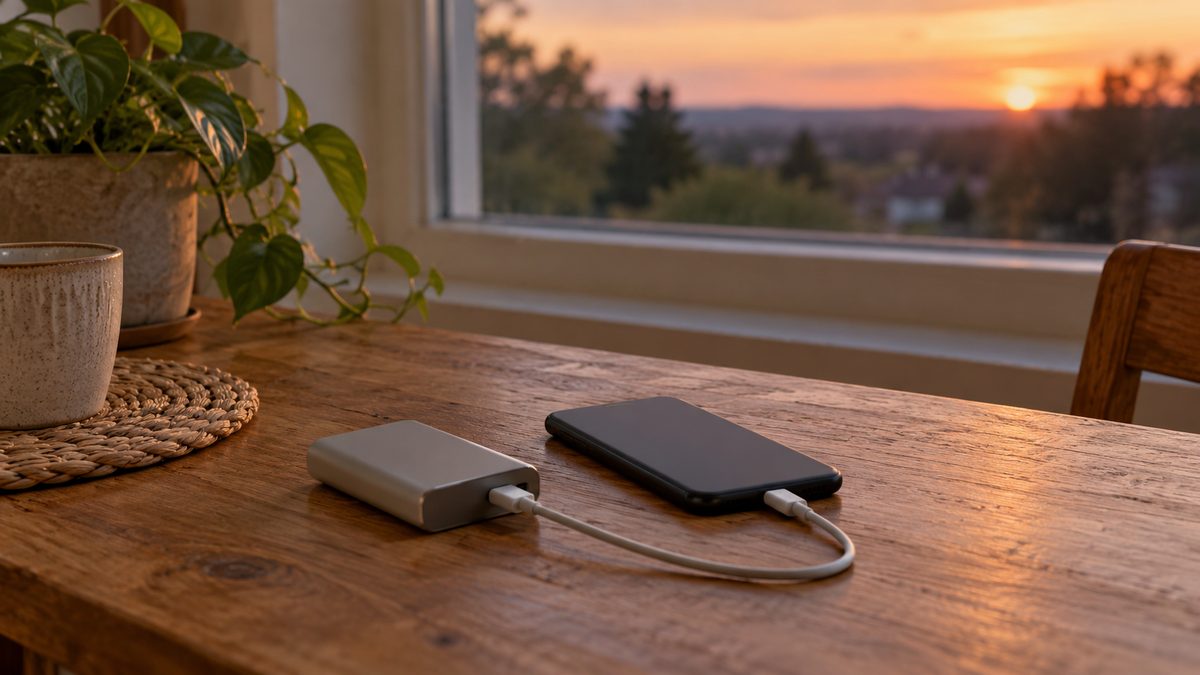
A phone can become your main way to check outage updates, contact family and arrange help when the lights go out. The best charging option is one you have tested before the outage. Start with available stored power, keep cables accessible and reserve the phone for tasks that matter.
The seven approaches below include six charging sources and one way to stretch existing charge. Battery-saving settings do not add energy, but they can reduce how often you need another source. During fall (autumn), check your supplies before winter storms make travel and outdoor charging harder.
| Option | What you need | Main limitation |
|---|---|---|
| Power bank | Stored charge and a working cable | Finite energy |
| Car USB or 12V charger | Compatible port and safe outdoor parking | Vehicle and socket limits |
| Car inverter | Suitable input and compatible charger | Conversion losses and socket rating |
| Laptop USB | Charged laptop with powered USB output | Uses laptop reserves |
| Solar charger | Compatible panel and suitable sunlight | Weather and daylight |
| Battery-saving settings | Changes to phone use | Conserves rather than charges |
| Hand-crank radio charger | Compatible output and manual effort | Limited emergency top-ups |
1. Use a charged power bank
A power bank is a practical first choice because it needs no running engine or sunshine. Keep one charged with the cable your phone accepts. Check the bank’s output and the phone’s requirements rather than assuming every USB connector provides the same power. Inspect both the cable and the bank for damage.
Store the bank within its specified temperature range, somewhere you can find it in darkness. Do not use a swollen or damaged pack. How many top-ups it provides depends on usable stored energy, conversion losses and phone use during charging; the headline capacity alone does not promise a fixed number of full charges.
2. Use the car’s USB port or a 12V charger
A compatible car USB port or 12V USB adapter can charge a phone without converting power to AC first. Use it with the engine running only in a fully outdoor location, away from doors, windows and building vents. Never run a car in a garage or other enclosed space, even with the door open.
Keep the exhaust clear of snow and stay with the vehicle. Do not make an unsafe trip just to charge a phone. Check the vehicle manual and disconnect accessories when finished. Our guide to charging a power bank in a car covers the same port and cable checks for replenishing backup supplies.
3. Connect a compatible car inverter
An inverter can supply AC for a compatible phone wall charger, although direct USB charging is often the more straightforward route. Read what a power inverter does before choosing one. It converts vehicle power; it stores no energy and cannot restore a flat starter battery.
A 12V socket is usually fused around 10 to 15 amps, roughly 120 to 180 watts before conversion losses. Check the manual, socket rating and combined load. A 200W inverter does not raise the socket’s limit. Run the engine only outdoors for the charging session, and never attach a heater, kettle or other high-wattage heat appliance.
4. Borrow charge from a laptop
A charged laptop can supply a useful phone top-up through a compatible USB port. Some laptops must be awake; others have a designated charging port that works while sleeping. Test this before an outage. Keep the laptop on a stable surface with ventilation clear, and stop background work that consumes its battery unnecessarily.
Decide which device needs the remaining energy most. If the laptop is needed for essential communication or work, transferring all its reserve may be unhelpful. Shut it down after charging if its manual permits, and keep both devices dry and protected from cold storage conditions outside their specified limits.
5. Try a solar charger when conditions allow
A suitable portable solar charger can replenish a compatible power bank or phone in sunlight. Output varies with clouds, shade, panel angle and season. Winter daylight can be limited, so view solar as a supplement to stored power. Follow the panel instructions for connections and weather exposure.
Charging a power bank first may be more convenient than leaving a phone connected to changing sunlight, if the equipment supports that arrangement. Keep batteries and phones within their operating temperatures. A panel’s advertised wattage describes particular conditions and does not guarantee the same output on a cloudy afternoon.
6. Turn on battery-saving settings
Enable battery saver, lower screen brightness and shorten screen timeout. Stop unnecessary video streaming and background downloads. Download useful information while you have service. Airplane mode can conserve charge when you do not need connectivity, but it can also prevent calls and updates from reaching you; choose settings around your communication needs.
7. Keep a hand-crank radio charger as a fallback
A radio with a compatible crank-powered charging output may provide a small emergency top-up. Check its manual: some USB connections are inputs rather than phone-charging outputs. Cranking takes effort and output varies, so do not plan on quickly refilling a modern phone. Test it with your cable while normal electricity is available.
Keep an LED lantern for light so the phone flashlight does not consume your last reserve. For broader vehicle backup limits, read using a car during a power cut. Recharge supplies after use and keep a second working cable with the kit.