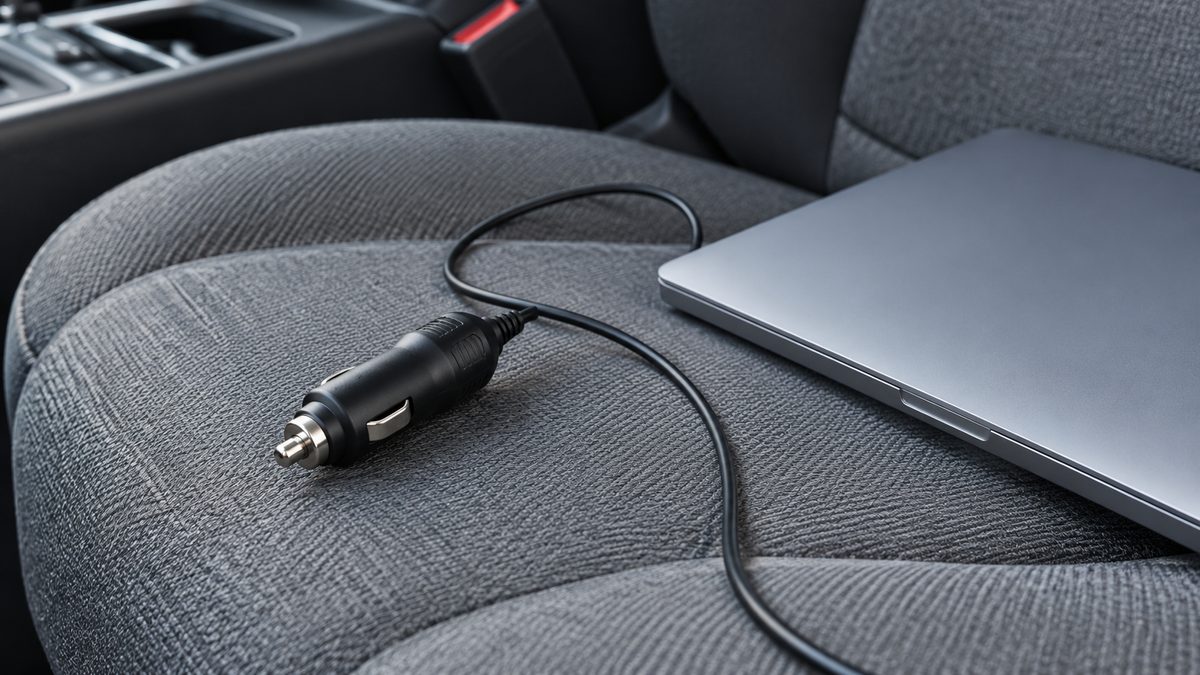
Disconnect the charger or appliance before troubleshooting a car inverter. An unlit display can come from a socket with no power, while a shutdown under load can point to a different problem. Checking one part at a time helps you describe the fault without repeatedly stressing the equipment.
Stop at once if the plug, cable, socket or unit is melted, discoloured, cracked or smells burnt. Unplug only when it is safe to do so and let hot parts cool. Do not open the inverter casing or keep trying another appliance to see what happens.
Match the symptom to a safe check
| Symptom | First check | Next step |
|---|---|---|
| No power or LED off | Socket switch state and plug seating. | Check the manual and specified fuse. |
| Shuts off under load | Combined charger demand and socket limit. | Disconnect loads; seek support if repeated. |
| Beeping or low-voltage alarm | Whether the supply voltage is falling. | Stop extended engine-off use; assess battery. |
| Socket fuse blown | Correct circuit and manual-specified rating. | Replace only as instructed; inspect repeated failures. |
| Overheating | Blocked vents, hot location and load. | Disconnect, cool and correct placement. |
| Slow charging | Port output, cable and device requirements. | Use a compatible charging combination. |
These checks identify possibilities rather than a diagnosis. Alarm meanings and reset steps vary by inverter, so keep its instructions nearby. A sound described as beeping does not identify one universal error. Note any display message before disconnecting, provided doing so does not delay a safe shutdown.
Confirm that the socket supplies power
Read the vehicle manual to find out when the accessory socket is live. Some sockets work only with the ignition in a particular position. Do not leave the ignition on for a long investigation with the engine stopped. If you need extended power, follow the vehicle and inverter guidance.
With everything switched off, check that the plug fits firmly and the cable is not trapped under a seat or door. Do not insert tools into the socket or bend contacts to improve the fit. A loose or heating connection needs proper assessment, even if pressing the plug sideways briefly restores power.
Locate the correct fuse using the manual, rather than a diagram for a similar car found online. Maruti Suzuki’s owner-manual library is one example of where owners can find model-specific instructions. Use the equivalent source for your vehicle and model year.
Never fit a higher-rated fuse than the manual specifies. A fuse protects the circuit; increasing its rating can leave wiring exposed to excessive current. If the correct replacement fails again, stop using the socket and book a workshop check. Do not bridge a fuse or add improvised wiring.
Separate the supply limit from the load
EchoRepel’s inverter is rated up to 200W, but a vehicle socket can have a lower limit. The permitted setup must respect both. Conversion also uses energy, so an AC load should not be planned right at the socket’s input ceiling. Check the charger’s requirements instead of assuming a laptop always draws little power.
Add together everything connected at the same time, including USB devices. A heater, kettle or hair dryer is unsuitable for this small inverter. If a supported charger causes repeated shutdown, record its rating and the circumstances and ask support. Do not defeat the protection or repeatedly reconnect the same load.
For load planning, read the device wattage guide. The advice on leaving an inverter connected explains why engine-off use deserves care. Low-voltage protection does not establish that the vehicle battery is healthy.
Check heat and charging compatibility
Keep the inverter dry, secure and clear of bags, blankets and seat padding. Blocked vents or a hot cabin can contribute to shutdown. Let the unit cool before following its restart instructions. Continued overheating with suitable placement and load needs seller assessment.
Slow charging may be a compatibility issue rather than a power failure. EchoRepel’s USB-C port supports up to 30W PD, while its USB-A port supports QC3.0. The device and cable must support the charging method. A larger laptop may require its normal AC adapter within the overall limits.
Use support when the checks do not resolve it
Write down the vehicle model, socket rating, charger details and whether the fault occurs immediately or after some use. Keep the invoice and take clear photographs of accessible labels. Do not photograph a display while driving or continue operating damaged equipment to record a video.
Contact the seller under the 12-month manufacturing warranty if the unit remains faulty. EchoRepel also provides a seven-day replacement window for a damaged, defective or incorrect delivery, subject to its published policy. Keep the product and packaging while support assesses the claim. A clear fault description helps the seller choose the next safe step.