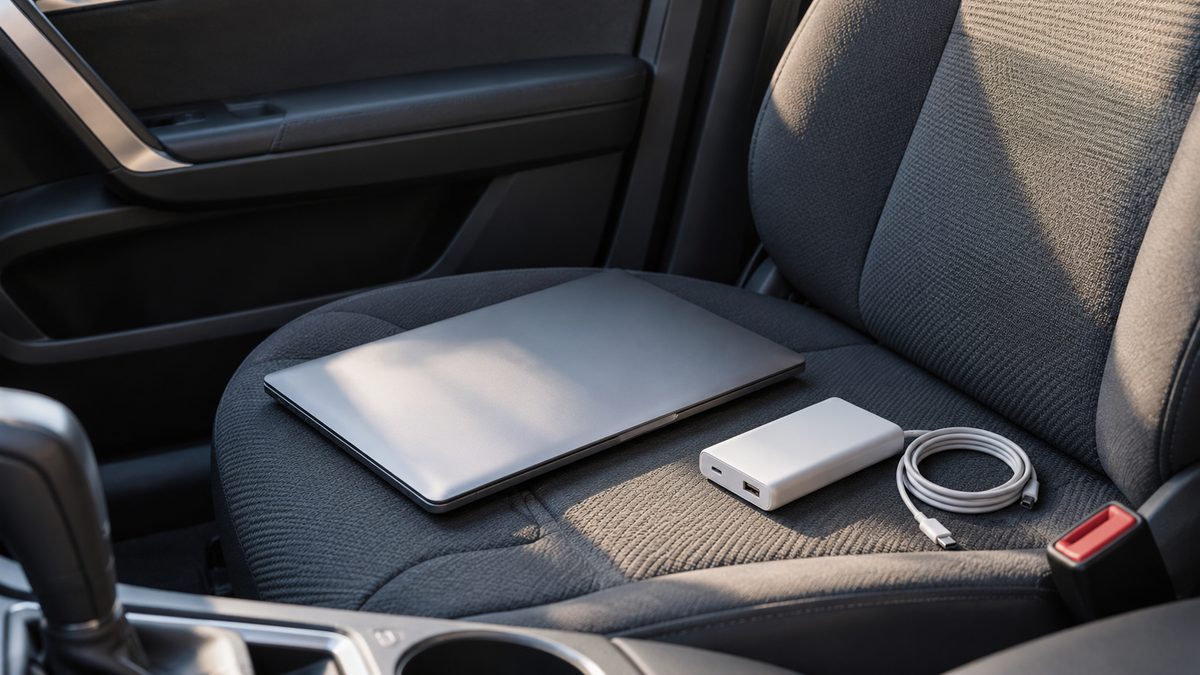
Carry a power bank if the job is keeping a phone alive after you leave the car. A car inverter earns its place when a laptop or other device needs its AC charger during the journey. Start with the charging connector and where you will use it, then compare capacity and cost.
These accessories solve different problems. A power bank stores energy in a rechargeable battery. An inverter converts the vehicle’s DC supply into AC while connected. Once unplugged from the car, an ordinary inverter has no stored charge to offer. Neither accessory makes an unsuitable charger compatible.
Choose by location and charging method
| Decision | Car inverter | USB power bank |
|---|---|---|
| Where it works | At a compatible vehicle supply. | Anywhere its stored charge remains. |
| AC or USB | AC outlets; some models also offer USB. | Usually USB; check the particular model. |
| Laptop with AC charger | Possible within charger and socket limits. | Needs compatible USB charging instead. |
| Energy source | Vehicle battery and charging system. | Its own rechargeable battery. |
| Long sessions | May require the engine running outdoors. | Limited by stored energy and output. |
| Ownership costs | Purchase, compatible cables and vehicle energy. | Purchase, charging and eventual battery wear. |
A phone-only day out may need nothing more than a charged bank and the right cable. For a laptop that only accepts its barrel-plug charger, a USB bank may not help. Check the laptop manual before buying adapters that promise to bridge incompatible charging systems.
Read the laptop requirements first
Find the recommended charger wattage and supported charging ports. Some USB-C laptops can run from a suitable USB Power Delivery bank, but a USB-C connector alone proves little. The bank, laptop and cable must agree on the required power. A lower-power source may charge slowly or fail to keep up during use.
Apple’s power adapter guide illustrates how recommended adapter ratings differ between laptops. Read your own manufacturer’s requirements rather than treating one laptop example as universal. For an AC charger, also consider its input requirements and conversion losses when planning the car load.
EchoRepel’s inverter has two AC outlets, a 30W USB-C PD port and a QC3.0 USB-A port. Some lightweight laptops accept 30W PD; larger machines usually need their normal AC charger. All connected devices share the inverter’s overall limit. Four ports do not mean four separate 200W supplies.
The guide to running a laptop from your car covers planning a session. Use the car inverter buying checklist to compare the socket, ports and protections before choosing equipment.
Check energy and power separately
Power, measured in watts, tells you how demanding a device is at a given time. Stored energy, often listed in watt-hours, helps describe how long a battery can supply a load. A high-capacity bank can still have an output too weak for a laptop. A high-output bank can still run out during a long session.
A car inverter’s wattage is an output ceiling, rather than a measure of stored energy. EchoRepel is rated up to 200W, but your accessory socket may permit less. Use the lower specified limit and leave room for conversion losses. Check the vehicle manual rather than estimating capacity from the fuse alone.
For longer inverter use, the product guidance calls for the engine running in a ventilated outdoor area. Never idle inside an enclosed garage. Avoid extended engine-off use and unplug when finished. Low-voltage protection is useful, but battery condition still matters and a successful engine restart cannot be promised.
Compare costs against your routine
Include the cables and chargers you will need, rather than comparing box prices alone. A compatible USB-C bank may avoid carrying an AC adapter, while an inverter may let you reuse the adapter you already own. Check what is included before assigning a ₹ budget to either setup.
A power bank needs recharging and its battery wears with use and age. An inverter draws vehicle energy, so running the engine purely for charging adds fuel use. The ownership-cost comparison depends on journey length, charging frequency and which equipment you already have.
Pack both when the journey calls for it
On a family road trip, use suitable vehicle charging for devices during travel and keep a charged bank for the market, hotel check-in or a walk away from the parking area. Keep cables accessible so nobody needs to rummage around the driver’s feet.
Before departure, test the complete setup with the intended devices. Secure the inverter in a dry, ventilated position, keep luggage off its vents and check that the plug stays seated. Store the power bank according to its maker’s temperature guidance. Leave damaged batteries, plugs or cables out of the travel bag.